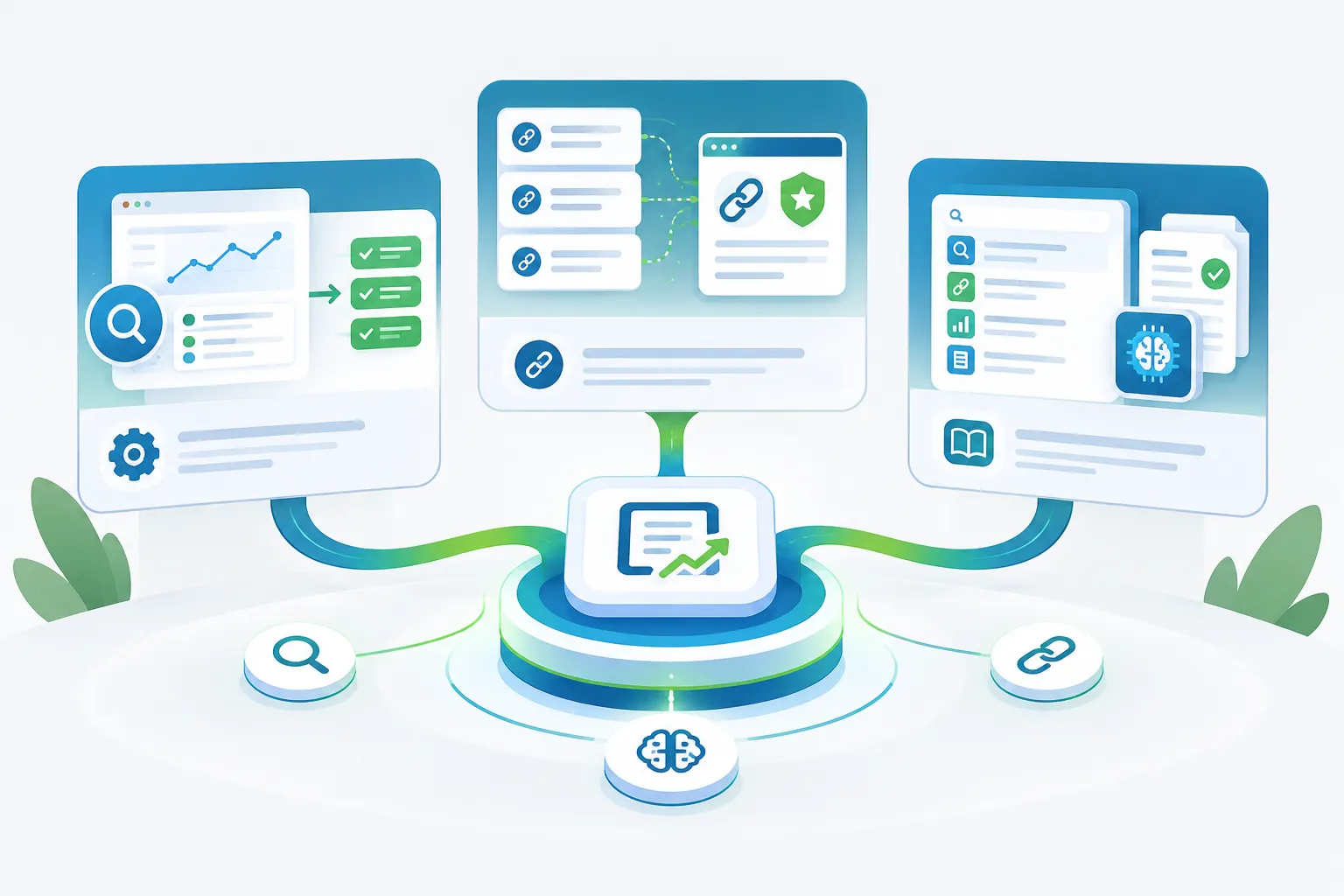
How to Choose SEO Software With Technical SEO Capabilities
Learn how to evaluate SEO software with technical SEO features, from site auditing and issue prioritization to monitoring, reporting, and verification.

Technical SEO problems can prevent otherwise useful pages from being discovered, interpreted, or indexed as intended. The right software can make those problems easier to identify, prioritize, and monitor—but only if its capabilities match your website and workflow.
This guide explains how to evaluate SEO software with technical SEO features without relying on an oversized feature list. The goal is to choose a platform that turns technical findings into clear, verifiable work.
Contents
- What technical SEO software does
- Capabilities to evaluate
- Issue prioritization
- Workflow and verification
- Platform comparison checklist
- Questions to ask before choosing
- Frequently asked questions
What Does SEO Software With Technical SEO Do?
SEO software with technical SEO capabilities examines the elements that affect how a website can be crawled, rendered, understood, and maintained. Depending on the platform, this may include site crawling, indexability checks, internal-link analysis, metadata reviews, structured-data checks, performance monitoring, and recurring audits.
Detection is only one part of the job. Useful software should also help teams answer three practical questions:
- What is wrong? The finding should identify the affected page, element, or response.
- What matters most? The platform should help separate urgent barriers from lower-impact cleanup.
- Was the problem resolved? Teams need a way to rerun checks and confirm the result.
A platform that produces a long list of warnings without context may create more work than clarity. Look for software that connects each finding to a practical review or remediation workflow.
Technical SEO Capabilities to Evaluate
1. Site crawling and page discovery
A technical audit generally begins with a crawl. Evaluate whether the software can inspect the types of URLs and page states present on your website. Its reports should make it possible to review discovered URLs, response states, redirects, crawl depth, and internal linking.
For larger or frequently changing websites, also consider crawl controls. The ability to limit scope, adjust crawl speed, exclude irrelevant areas, and schedule recurring checks can make audits safer and more focused.
2. Indexability review
Indexability checks help identify pages whose technical directives may not match their intended search role. Useful reports may cover canonical references, robots directives, sitemap inclusion, and conflicting signals.
The software should distinguish between an intentional exclusion and a possible mistake. A noindex directive on a private or low-value page is not automatically a problem, while the same directive on an important landing page may require immediate review.
3. HTTP status and redirect analysis
Technical SEO software should provide a clear view of successful responses, redirects, client errors, and server errors. It should also help reveal redirect chains, redirect loops, and internal links that point to obsolete destinations.
Status-code reports are most useful when they include both the affected URL and the source pages linking to it. That context helps teams understand where a correction needs to be made.
4. Internal-link analysis
Internal links support navigation and help establish relationships among pages. Look for reports that show broken links, orphaned or weakly connected pages, link depth, and source-to-destination relationships.
A raw link count is not enough. Strong internal-link reporting should help editors determine whether important pages are accessible through relevant contextual links and whether outdated destinations remain in templates or body copy.
5. Metadata and page-element checks
Many platforms review title elements, meta descriptions, headings, canonical references, image attributes, and other page-level signals. These checks can highlight missing, duplicated, unusually short, or unusually long fields.
Templates and page purpose still matter. Treat automated flags as prompts for editorial review rather than universal instructions. Two pages may share similar metadata for legitimate reasons, while another pair may unintentionally compete for the same topic.
6. Structured-data validation
If structured data is part of your website, evaluate whether the software can detect markup, report syntax or eligibility concerns, and identify affected pages. The report should make clear which schema type and property triggered the finding.
Software can assist with validation, but the underlying markup must still accurately represent visible page content. Avoid tools or workflows that encourage adding unsupported information solely to complete a schema template.
7. Rendering and JavaScript visibility
Websites that rely on client-side rendering may require more than a simple HTML crawl. Ask whether the platform can evaluate rendered output and whether that mode affects crawl time, limits, or cost.
Compare the initial response with the rendered page when important copy, links, metadata, or structured data depend on JavaScript. This can help reveal a gap between what a browser displays and what a basic crawler initially receives.
8. Performance monitoring
Performance reports can help teams identify slow templates, oversized assets, layout instability, or interaction delays. When comparing platforms, determine whether the tool provides measured data, test-based data, or both, and whether results can be segmented by page type.
Prioritize tools that retain enough context to identify patterns. A single score is less actionable than a report that connects an issue to specific templates, assets, or page groups.
9. Change monitoring and recurring audits
A one-time audit captures only one state of a website. Recurring monitoring can reveal new errors after releases, migrations, content updates, or template changes.
Useful monitoring should allow teams to compare audit results, identify newly introduced issues, recognize resolved findings, and avoid repeatedly reviewing unchanged warnings.
How Should Technical SEO Software Prioritize Issues?
Not every warning deserves the same response. A practical prioritization model considers the nature of the issue, the importance of the affected pages, and the effort required to investigate or correct it.
| Priority | Typical situation | Recommended response |
|---|---|---|
| Critical review | An important page cannot be reached, rendered, or indexed as intended. | Confirm the finding and investigate promptly. |
| High priority | A recurring template issue affects a meaningful group of indexable pages. | Assess the shared cause and plan a scalable correction. |
| Medium priority | The issue weakens consistency, discoverability, or internal navigation without fully blocking access. | Group affected pages and address the most valuable sections first. |
| Low priority | The finding is isolated, intentional, or unlikely to change how the page functions in search. | Document, defer, or dismiss it with a reason. |
Severity labels should not replace judgment. Before acting, verify whether the affected URL is intended to appear in search, whether the condition is deliberate, and whether the proposed change could create a new problem elsewhere.
Look Beyond Auditing: Evaluate the Full Workflow
The best choice is not necessarily the platform that detects the most issues. It is the one that helps your team move safely from detection to resolution.
Assignment and ownership
Check whether findings can be filtered, exported, grouped, or assigned. Technical work often spans SEO, editorial, design, and development responsibilities. Clear ownership reduces the chance that important findings remain unresolved.
Evidence attached to each finding
A useful finding should show the affected URL, the observed condition, and enough context to reproduce it. Screenshots, response details, source URLs, rendered HTML, or detected markup may be helpful depending on the issue.
Verification after a change
Software should support a repeatable validation step. After a change is released, rerun the relevant check and confirm that the intended condition changed without introducing unexpected side effects.
Historical comparison
Historical reports help distinguish new regressions from longstanding conditions. They can also help teams document which findings were corrected, intentionally accepted, or reopened after a later change.
Access and crawl controls
Review how the platform handles authentication, crawl rate, project permissions, exports, and stored website data. The appropriate configuration depends on your website, internal policies, and the sensitivity of the areas being audited.
SEO Software Comparison Checklist
Use this checklist during a trial or product demonstration:
- Can the platform crawl the relevant parts of your website?
- Can you control crawl scope, speed, and exclusions?
- Does it distinguish crawlability from indexability?
- Does each issue include affected URLs and supporting context?
- Can findings be grouped by template, directory, or page type?
- Can the platform identify redirect chains, loops, and broken internal links?
- Does it review canonical references, directives, and sitemap relationships?
- Can it evaluate rendered pages when JavaScript is involved?
- Does it support structured-data review where relevant?
- Can recurring audits reveal new, persistent, and resolved issues?
- Can your team export, assign, or document findings?
- Can fixes be recrawled and verified?
- Are access controls appropriate for your organization?
- Are project, crawl, rendering, storage, or usage limits clearly explained?
All-in-One Platform or Specialist Technical SEO Tool?
An all-in-one SEO platform may combine technical auditing with content, reporting, or other search workflows. A specialist tool may provide deeper crawl configuration or diagnostic detail. Neither category is automatically better.
Choose according to the work your team performs most often:
- Choose broader software when a shared workflow and consolidated reporting are more important than highly specialized controls.
- Choose a specialist tool when complex websites require detailed crawling, rendering, extraction, or debugging options.
- Use complementary tools when no single platform provides the required coverage and depth.
Before adding multiple subscriptions, define which system owns each task. Overlapping tools can generate duplicate warnings, inconsistent severity labels, and unnecessary review work.
Questions to Ask Before Choosing a Platform
- Which technical checks are included in the plan under consideration?
- What limits apply to projects, URLs, users, rendering, exports, or recurring audits?
- How does the platform calculate issue severity?
- Can warnings be dismissed or documented when a condition is intentional?
- How are new and resolved findings shown between audits?
- Can the software inspect staging, authenticated, or restricted areas when authorized?
- What evidence is provided for each detected issue?
- Can findings be segmented by directory, template, or content type?
- How does the platform handle website data and user permissions?
- Can the team verify a correction without rerunning an unnecessarily broad audit?
Whenever possible, test the software against a representative section of your own website. A controlled evaluation is more informative than comparing feature labels alone.
A Simple Technical SEO Software Evaluation Process
- Define the website scope. List the page types, technologies, restricted areas, and recurring changes the software may need to evaluate.
- Identify required checks. Separate essential capabilities from optional conveniences.
- Run a controlled audit. Use a representative sample and confirm that crawl settings are appropriate.
- Manually review selected findings. Check whether the reported issue is accurate, understandable, and actionable.
- Test the handoff. Export or assign an issue and confirm that the responsible person receives enough context.
- Verify a correction. Resolve a known test issue and determine whether the platform recognizes the change.
- Review limits and governance. Confirm permissions, usage constraints, data handling, and expected operating costs before adoption.
Final Considerations
Choosing SEO software with technical SEO capabilities is ultimately a workflow decision. Detection matters, but clarity, prioritization, ownership, and verification determine whether findings lead to useful improvements.
Start with the technical conditions your website actually needs to monitor. Then evaluate whether the software can inspect those conditions safely, explain its findings clearly, and confirm the result after changes are made.
Limitations and honest caveats
This guide cannot guarantee outcomes for every artist, market, or release plan. Treat the steps as a practical framework: adapt them to your capacity, rights situation, and goals, and verify platform or legal requirements for your region before acting.
Frequently Asked Questions
What is technical SEO software?
Technical SEO software helps inspect website conditions related to crawling, rendering, indexability, internal linking, page elements, structured data, performance, and ongoing monitoring. Capabilities vary by platform and plan.
Can technical SEO software fix every issue automatically?
No. Software can detect conditions, organize findings, and support verification, but many changes require human review and implementation. Automated changes should be evaluated carefully because page purpose, templates, and website architecture affect the correct response.
What is the most important feature in a technical SEO tool?
There is no single feature that fits every website. A useful platform should accurately inspect the relevant site areas, provide evidence for its findings, support sensible prioritization, and make it possible to verify corrections.
How often should a website run a technical audit?
The appropriate frequency depends on how often the website changes and the risk associated with those changes. Frequently updated sites may benefit from recurring checks, while stable sites may use audits around planned releases, migrations, or periodic reviews.
Should small websites use technical SEO software?
A small website can still benefit from checks for broken links, redirects, indexability conflicts, metadata problems, and other technical conditions. The required feature depth and crawl capacity may be lower than for a large or technically complex site.
How should teams evaluate an SEO software trial?
Define required capabilities first, audit a representative website section, manually verify selected findings, test assignment or export workflows, and confirm that corrected issues can be rechecked.
Continue Exploring Organic Growth Resources
Review additional guidance and SEO intelligence in the SEOKora resources library (opens in new tab).
Frequently asked questions
Technical SEO software helps inspect website conditions related to crawling, rendering, indexability, internal linking, page elements, structured data, performance, and ongoing monitoring. Capabilities vary by platform and plan.
No. Software can detect conditions, organize findings, and support verification, but many changes require human review and implementation. Automated changes should be evaluated carefully because page purpose, templates, and website architecture affect the correct response.
There is no single feature that fits every website. A useful platform should accurately inspect the relevant site areas, provide evidence for its findings, support sensible prioritization, and make it possible to verify corrections.
The appropriate frequency depends on how often the website changes and the risk associated with those changes. Frequently updated sites may benefit from recurring checks, while stable sites may use audits around planned releases, migrations, or periodic reviews.
A small website can still benefit from checks for broken links, redirects, indexability conflicts, metadata problems, and other technical conditions. The required feature depth and crawl capacity may be lower than for a large or technically complex site.
Define required capabilities first, audit a representative website section, manually verify selected findings, test assignment or export workflows, and confirm that corrected issues can be rechecked.